Rust Development Environment Installation Notes
less than a minute
STM32CubeIDE
STM32CubeIDE is Eclipse-based, so you only need to install the Rust plugin.
Rust Plugin
A relatively new version of the Rust plugin must be installed, otherwise it cannot support rust-analyzer.
- Menu:
"Help" -> "Install New Software..." -> "Add..." - Repository:
http://mirrors.ustc.edu.cn/eclipse/corrosion/releases/1.2.3/ - Plugin:
Corrosion: Rust edition in Eclipse IDE
Rust Settings
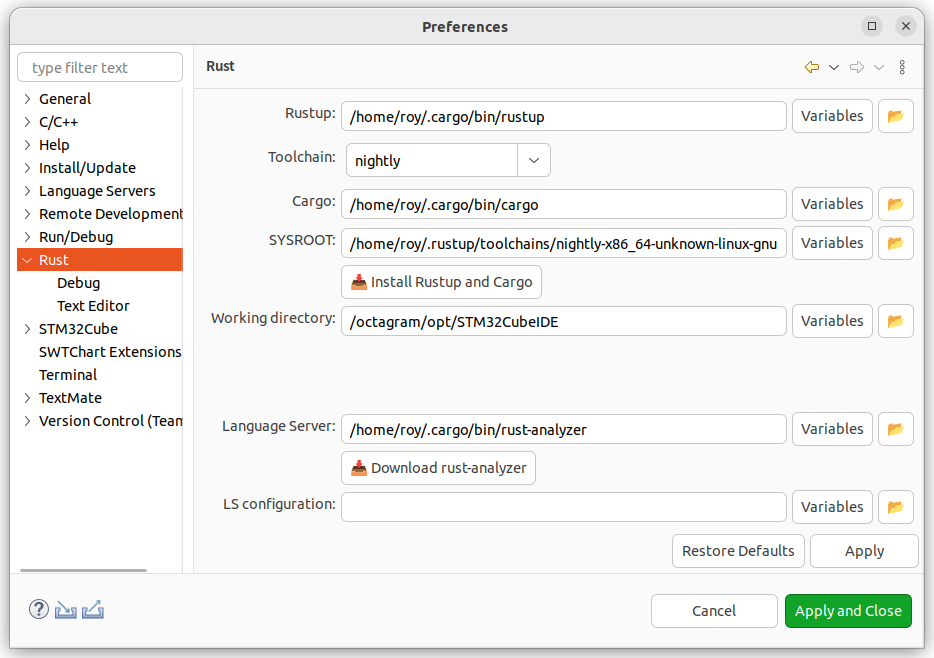
Click Window -> Rust to check whether the paths for rustup, cargo, rust-analyzer, etc., are correct.
Debugging
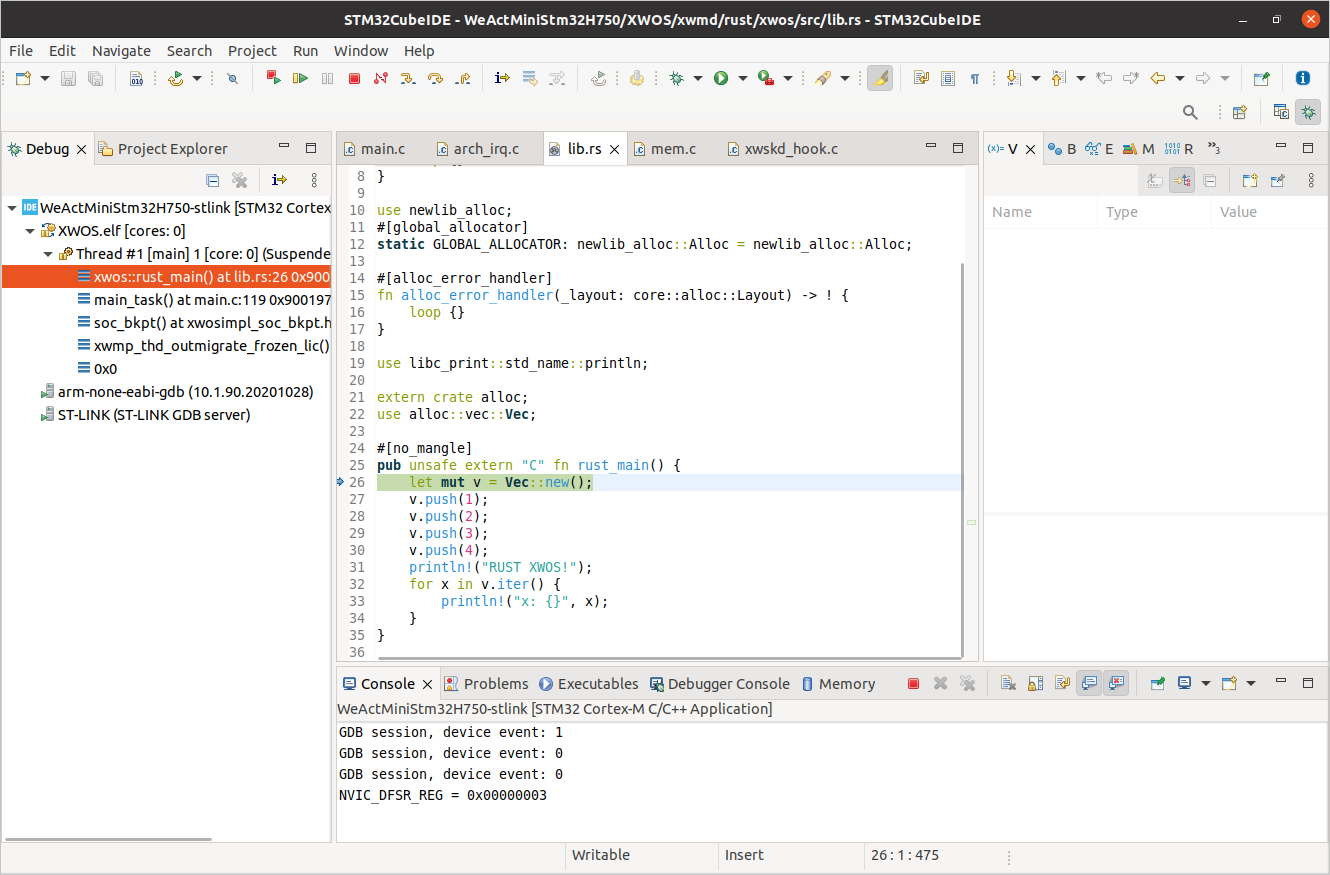
Just like debugging C code, you can set breakpoints in Rust code using STLink within STM32CubeIDE.
Known Issues
- [2023-04-25] Higher versions of STM32CubeIDE (>=1.9.0) fail to launch the plugin after successful installation.
- Solution: Do not install the latest (1.2.4) version of the Rust plugin. Install the 1.2.3 plugin instead.